From vendor dashboard to deploy matrix
This tutorial walks a full pass: vendor → vault → local env → hosting env, then sketches the hub so you stop retyping when hosts change.
Before you name env vars, read API key vs token—dashboard "tokens" are usually long-lived keys.
Companion pages:
What you will build
A repeatable path where:
-
Each SaaS console still creates its own keys.
-
Your vault holds logins and API custom fields.
-
An agent or human uses CLIs to fill
.env.localand hosting env vars for the right org project. -
You leave a gap list for anything not yet in the vault.
Estimated time: 45–90 minutes the first time (including installs and OAuth); much less once CLIs are hot.
Scenario (example)
We use a fictionalized but real-shaped instance: an org web app on Vercel, Convex backend, Google OAuth, optional Square/Radar/Resend. Swap names for your stack.
| Role | Example |
|---|---|
Org email |
|
Hosting team / project |
Team |
Vault |
Bitwarden CLI |
Local package |
|
Step 1 — Install CLIs
On Windows, refresh PATH after installs. Prefer the team’s package manager for Node CLIs (pnpm add -g vercel). Use winget when the package exists (Bitwarden CLI does; Vercel CLI may not).
winget install --id Bitwarden.CLI -e
pnpm add -g vercel
bw --version
vercel --version
Step 2 — Document the matrix
Open .env.example files. Make a three-column list: variable, where it is created, where it must land (local / Preview / Production).
Mark public vs secret. Anything NEXT_PUBLIC_* will ship to browsers.
Step 3 — Create or confirm vendor keys
In each vendor console (still human-driven):
-
Google Cloud — OAuth Client ID and secret
-
Convex — deploy keys for dev and prod deployments
-
Hosting — confirm team membership after an org move
-
Optional — Radar publishable key, Resend API key, Square application credentials
Store each secret in the vault as a named custom field on the right login item.
Step 4 — Agent or human distribution pass
Unlock the vault. Inventory → extract fields → write local → link hosting → env add / override.
sequenceDiagram
  participant You
  participant Vault as Vault CLI
  participant Local as .env.local
  participant Host as Hosting CLI
  You->>Vault: unlock + search custom fields
  Vault-->>You: field names + values (keep out of chat)
  You->>Local: write ignored env
  You->>Host: scope team + project
  Host-->>You: env ls
  You->>Host: env add / override secrets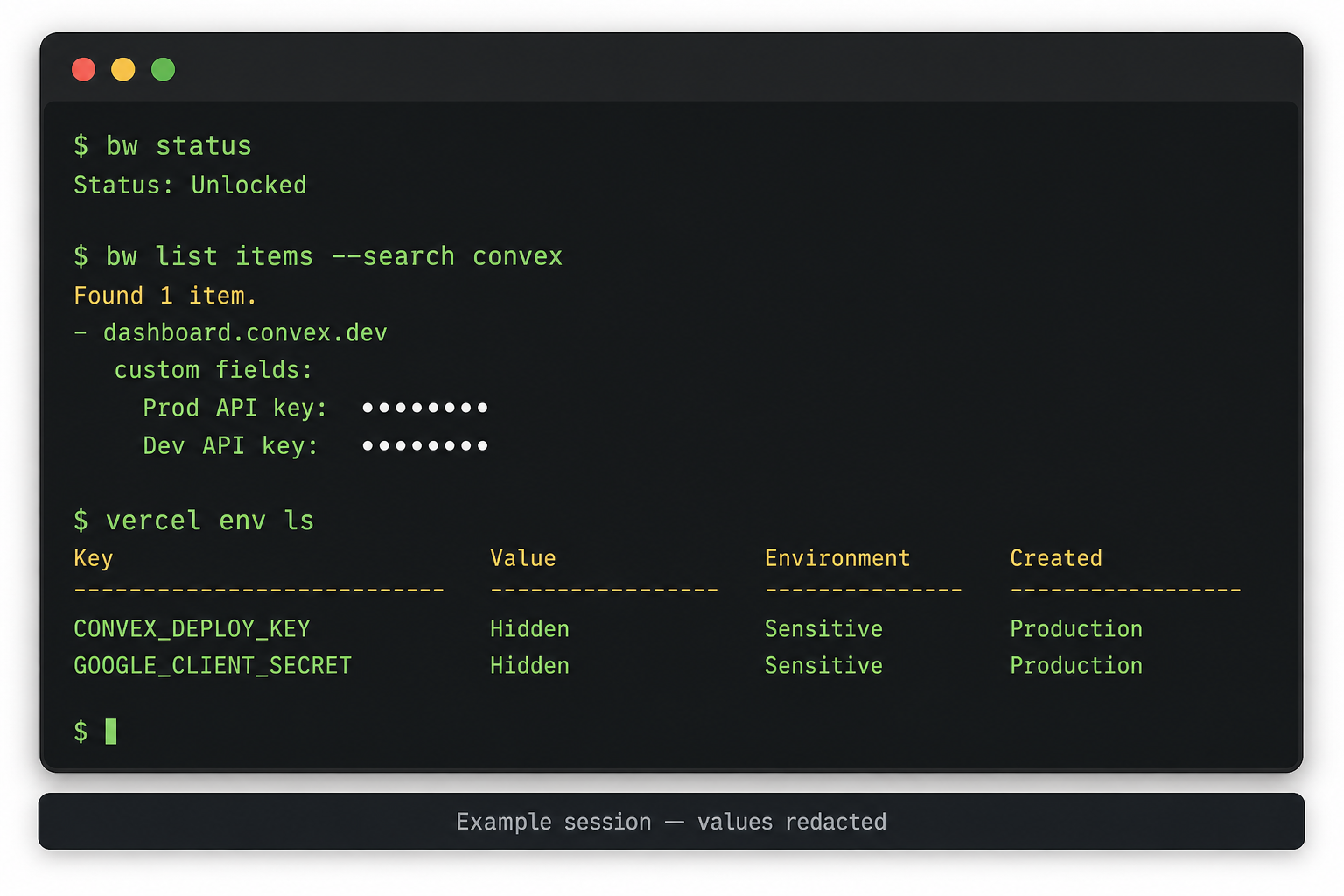
Security checklist during the pass:
-
No full secrets pasted into the agent transcript
-
Prod signing secrets ≠ local signing secrets
-
Hosting scope is the org team, not a leftover personal project
-
bw lock(or equivalent) when finished
Step 5 — Gap list
Write down every missing piece (example shapes):
-
Client ID missing while secret exists
-
Login exists, API key field empty
-
Personal Adapty/Yoti login—decide whether to migrate or re-key under org email
-
Meta: Business app under personal Facebook identity + org admin invite
Step 6 — Hub (follow-on)
When you are tired of re-entering keys after URL or project churn:
-
Create a Pulumi ESC environment for
org/app/prod(and preview). -
Seed from the vault once.
-
Sync ESC → hosting env with IaC or a scheduled sync.
-
Keep the vault as the human backup and laptop unlock source.
DNS-only org infra can stay as-is until this step; secrets hub is additive.
Recap
You did not move creation out of vendors. You stopped treating hosting dashboards as the filing cabinet. CLIs (and MCP when useful) are the coordination layer; ESC is the matrix layer.
Next
-
Composio MCP for cross-app agent tools