Markdown editors on local disk
Dev-Centr publishes in AsciiDoc + Antora.
Many of the developers who use Dev-Centr tooling still live in Markdown for READMEs, contributor guides, and vault-style notes.
They need local tools that open plain .md on disk — not a cloud-only doc suite.
Two jobs dominate:
-
Edit — write and revise the same files the forge renders.
-
View — open a shared README or AI-exported
.mdwithout Notepad, VS Code, or an upload-to-preview site.
Recommendation: SoloMD (edit)
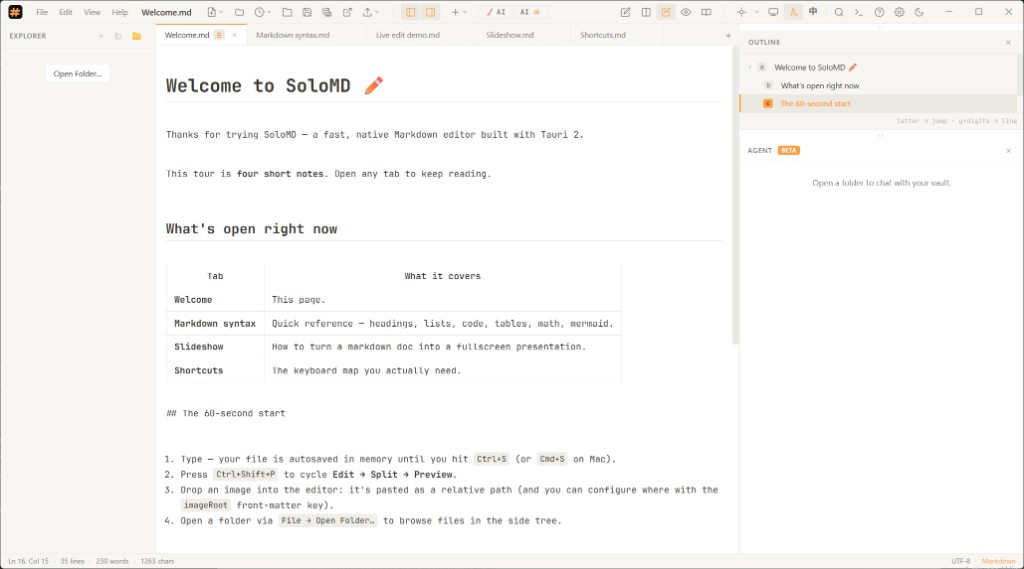
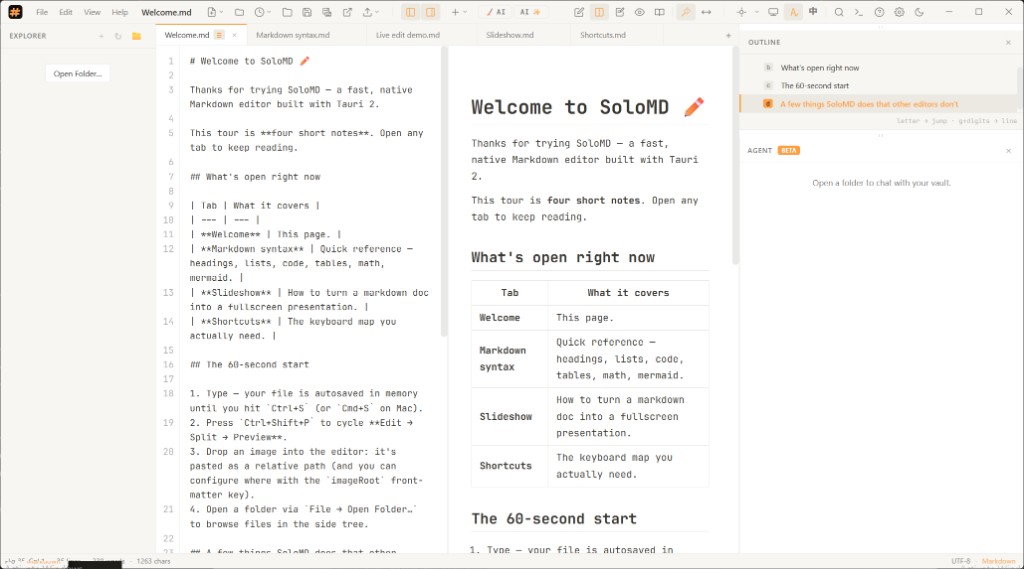
SoloMDunchecked is a local-first Markdown editor (Tauri 2, MIT, ~15 MB class installer) with Typora-style live edit, classic split source/preview, outline, vault agent, and BYOK AI. Source: zhitongblog/solomdunchecked.
Fit for Dev-Centr audiences:
-
README / project docs — edit the same files the forge renders; no export round-trip.
-
Vault-shaped folders — open a directory; outline + agent chat against local notes.
-
Offline-first — notes and keys stay on the machine by default.
Dev-Centr shop docs stay AsciiDoc. Recommend SoloMD when the user’s project is Markdown and they need to author.
Recommendation: MarkView (view only)
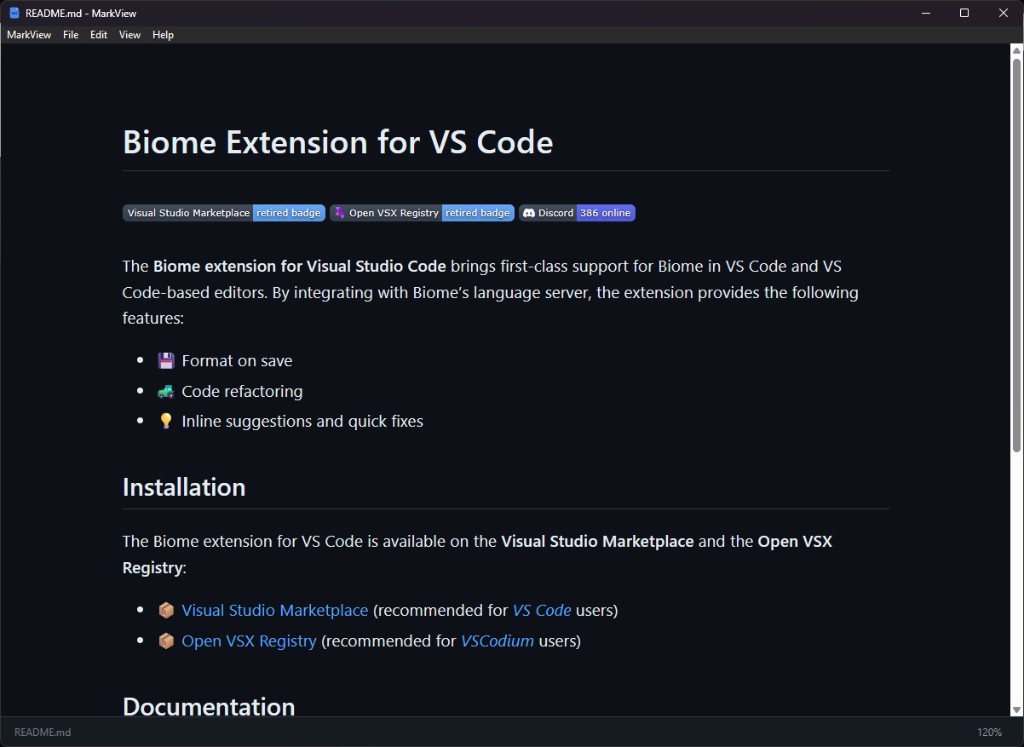
MarkViewunchecked is a free native Markdown viewer for macOS, Windows, and Linux — “Acrobat Reader for .md”: open, render, zoom, done.
It has no editing ability — you cannot change the file in MarkView.
No account, no upload, drag-and-drop or double-click.
(Do not confuse it with browser extensions or other products that reuse the MarkView name.)
Use MarkView when:
-
Someone shared a
.mdand you only need to read it cleanly. -
You want a default OS association for Markdown without launching an IDE or vault app.
-
Privacy matters — files stay on disk.
Pair with SoloMD (or your forge editor) when you need to change the file.
Not a DevCentr product viewer
MarkView is a fine third-party OS tool for opening Markdown outside our apps. It is not how DevCentr products should render docs or Markdown in-product.
Dev-Centr already opted to keep viewing inside its own surfaces — Antora / AsciiDoc for published docs, and each app’s own rendering components and module provisions for in-app Markdown or help. Do not shell out to MarkView (or any external viewer) as the primary DevCentr reading experience; that would split chrome, theming, navigation, and component behavior away from the house stack. MarkView stays on the recommended-tools list for people’s machines, not as an embedded or default DevCentr viewer dependency.
AI and local model runners
SoloMD ships many cloud BYOK providers and first-class Ollama auto-detect, plus a generic OpenAI-compatible slot for llama.cpp, LM Studio, vLLM, and similar. That still leaves a familiar gap: every editor special-cases a favorite local runner, then asks everyone else to paste a base URL.
The durable fix is not “add five more hard-coded ports.” It is a shared Open Provider Registry (OPR) so runners register once and every app can discover them — including SoloMD via its existing OpenAI-compatible path or a future OPR consumer.
MarkView stays out of that layer: it is read-only rendering.
See:
-
dev-centr/uniproviderunchecked (reference implementation)
-
OPR draft specunchecked